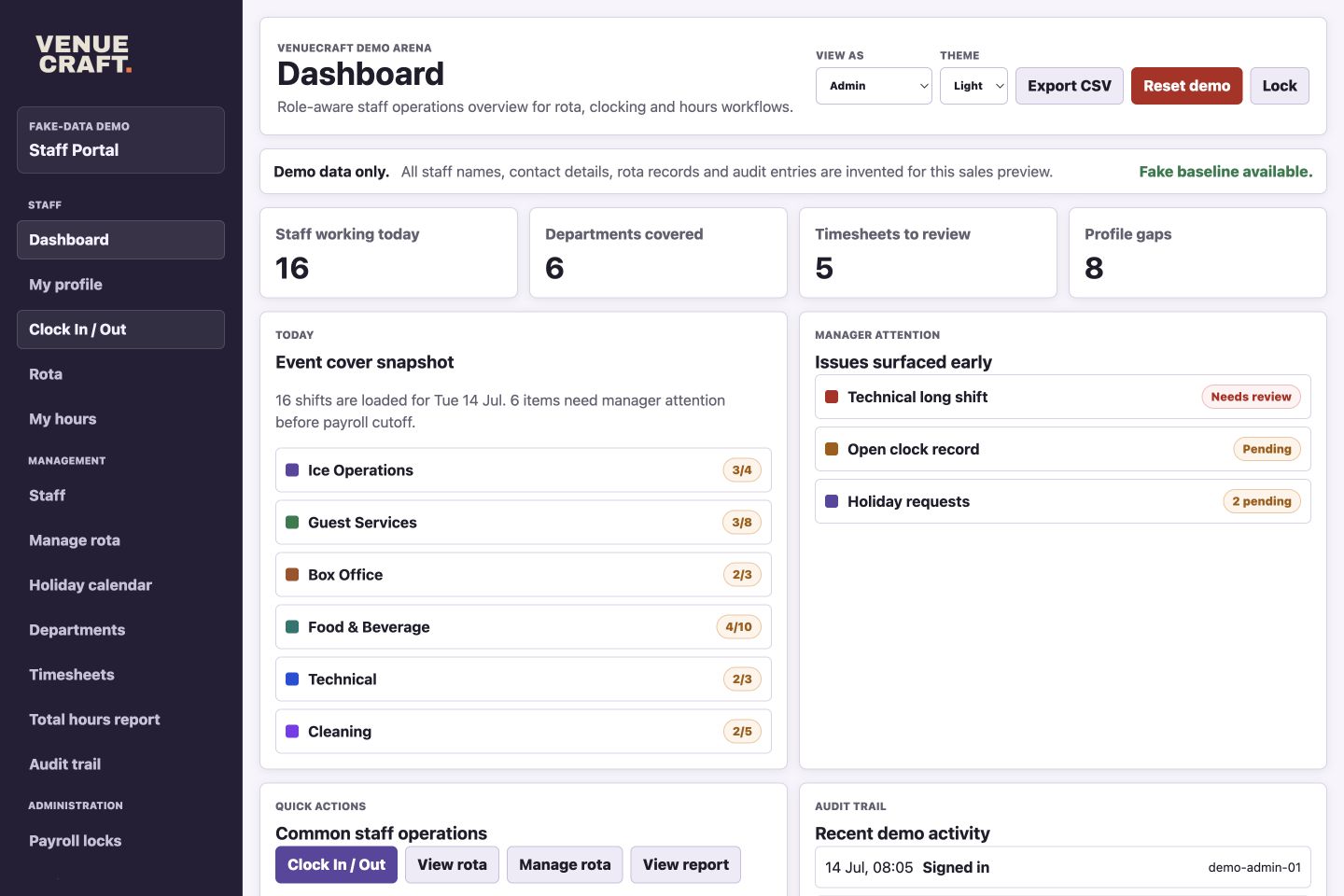
Operations dashboard
Venue workforce product
A private workforce operations portal for venue teams that need clearer rotas, smoother clocking, managed holiday visibility, faster timesheet review and better staff records without unnecessary admin.
Staff Portal brings rota planning, staff-facing shift views, clocking, holiday requests, timesheet approval, departments, reports, payroll controls and profile details into one branded web app.
The preview is hosted separately from any live staff system and uses fake people, fake shifts and fake audit activity throughout. Visitors can explore the demo, make edits locally and reset it back to its baseline.
Product views
Each view below comes from the current fake-data demo. The images show the working interface and the recordings give prospects a quick feel for how managers, administrators and staff move through it.
Operations dashboard
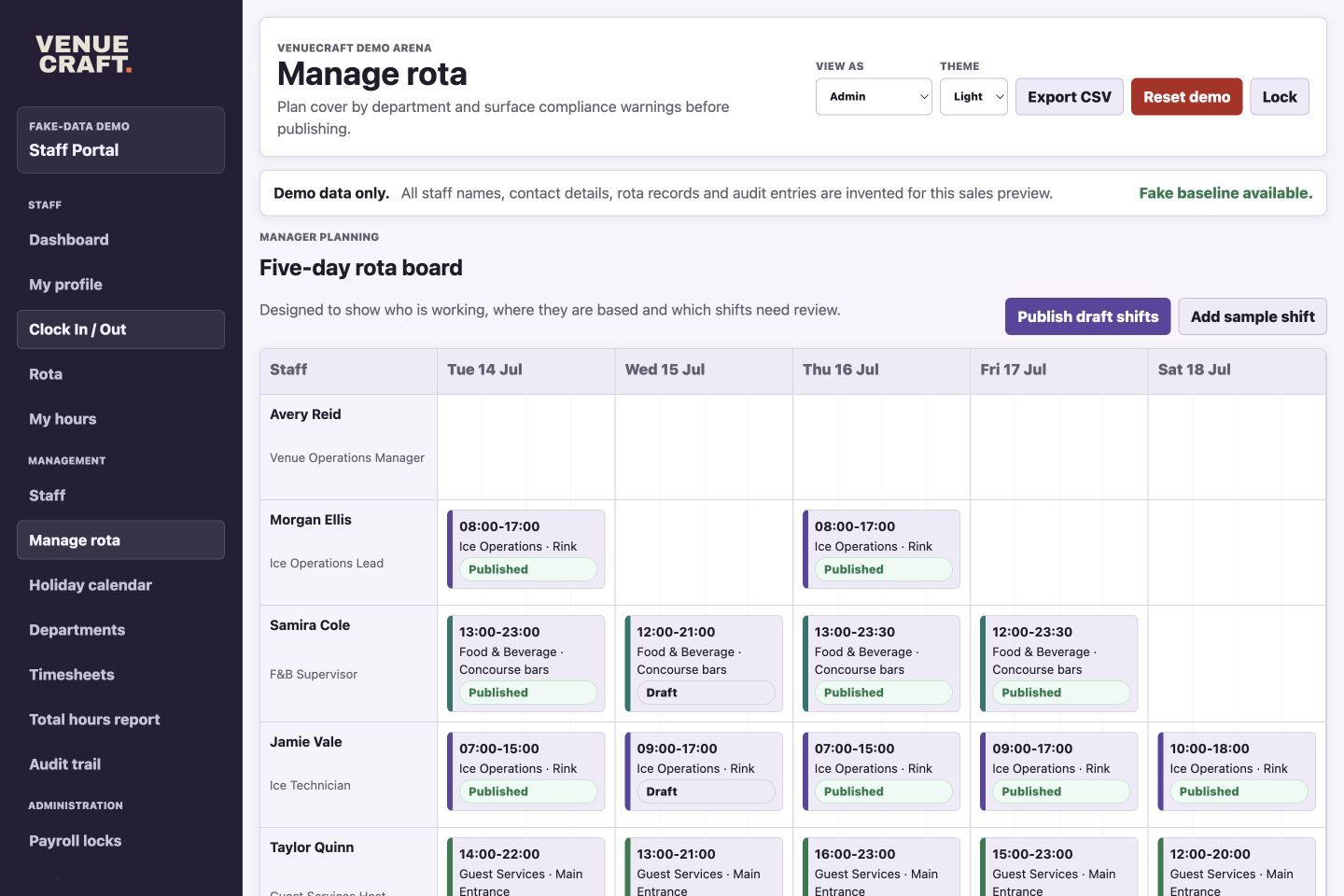
Rota Planner
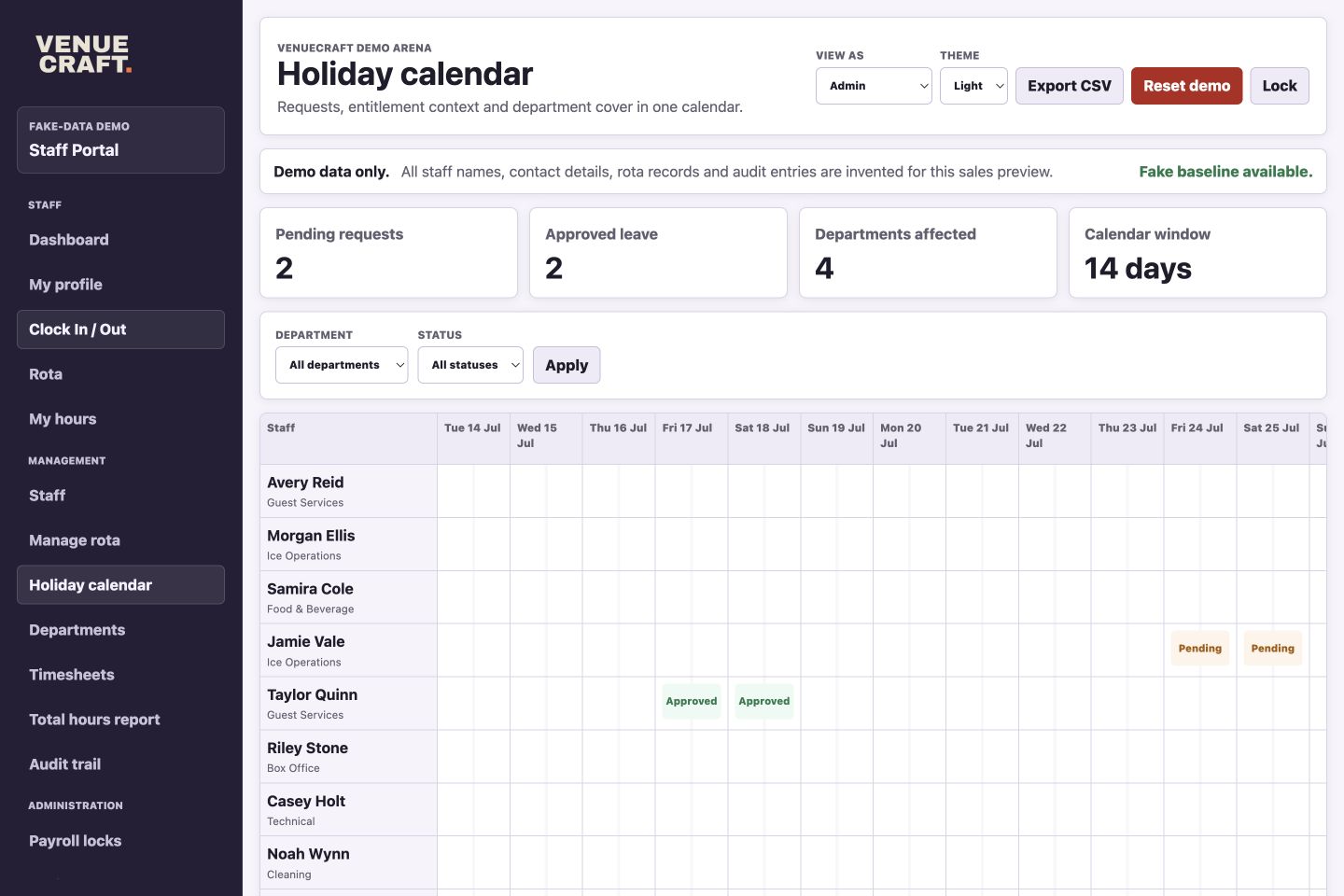
Holiday calendar
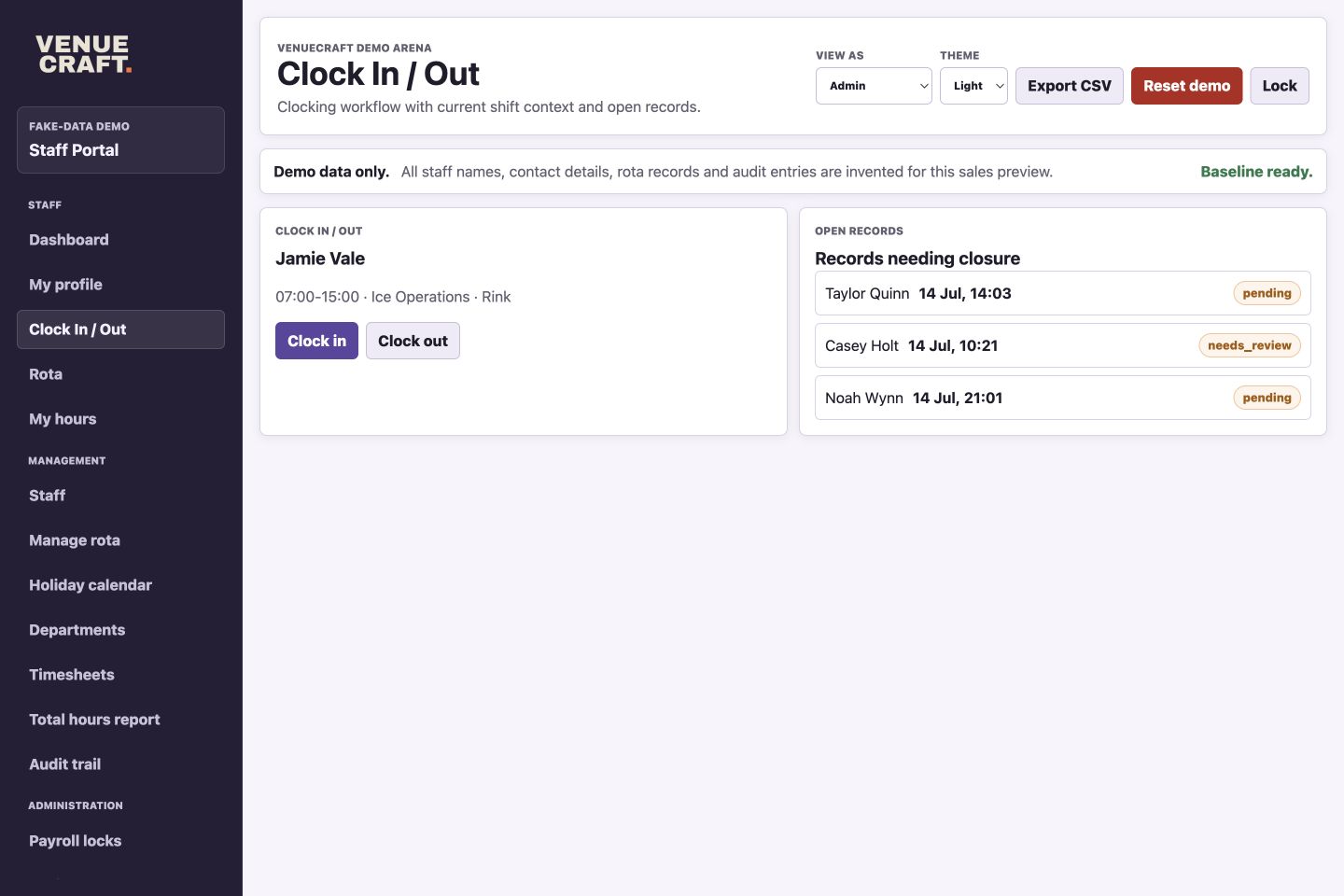
Clocking
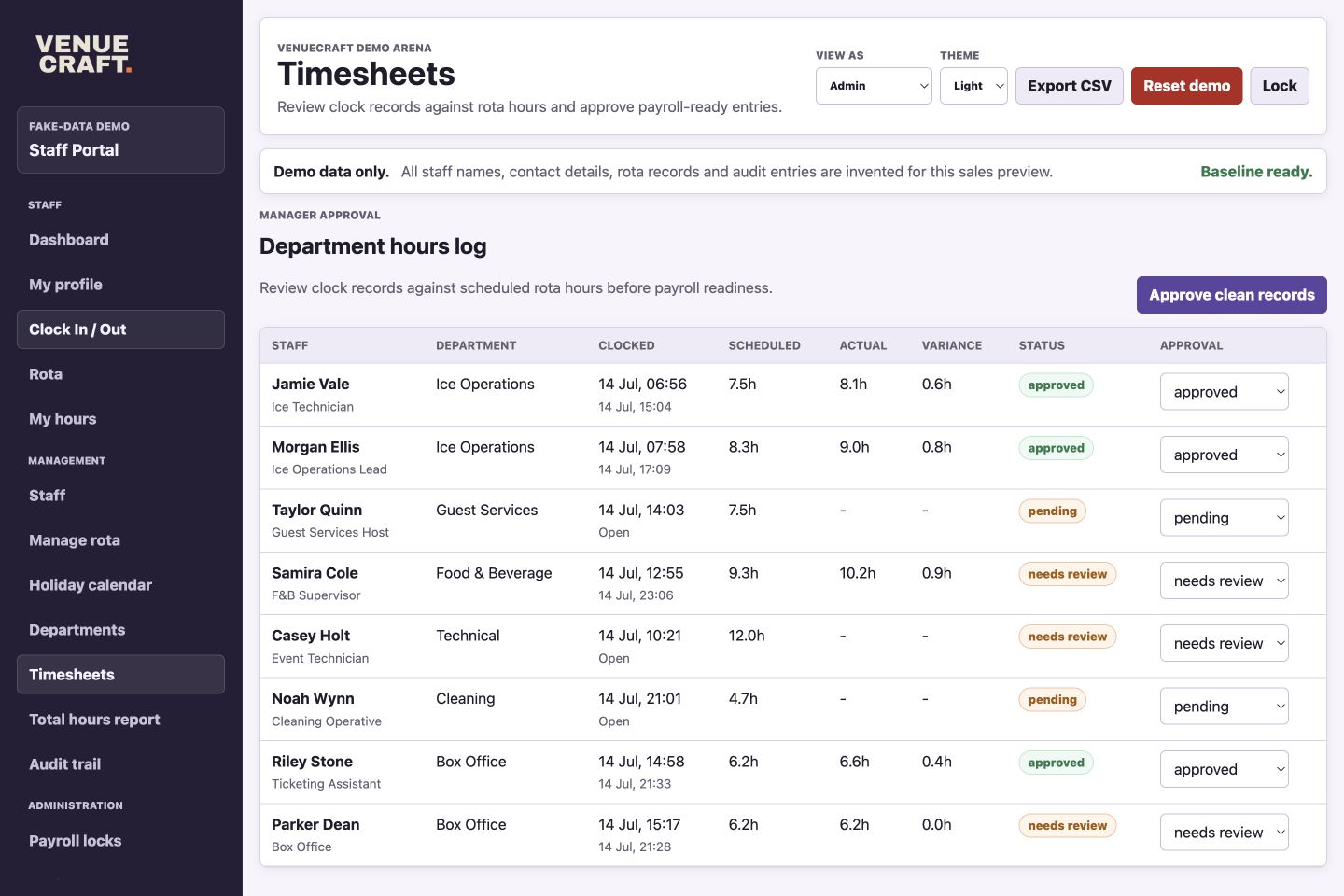
Timesheets
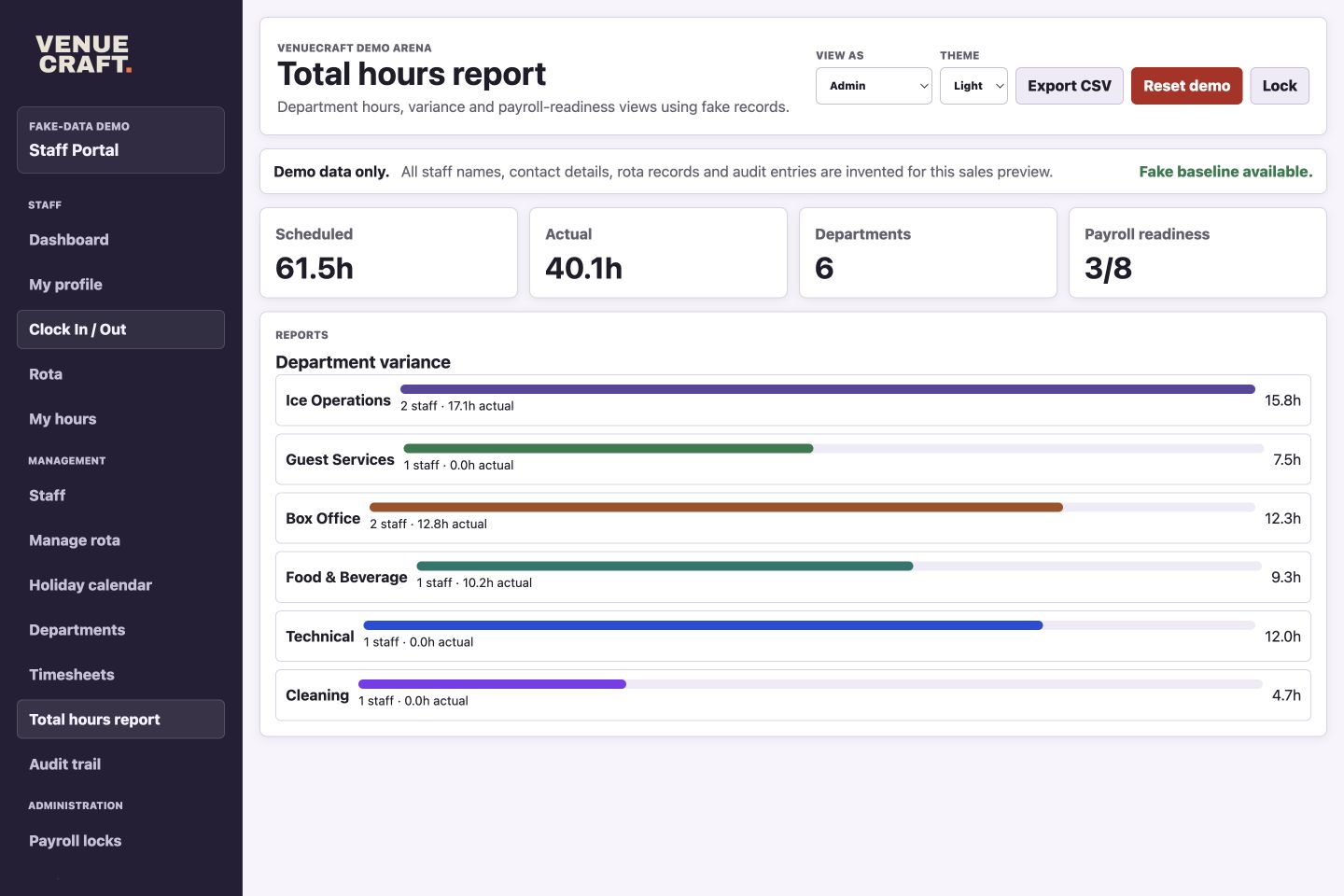
Reports
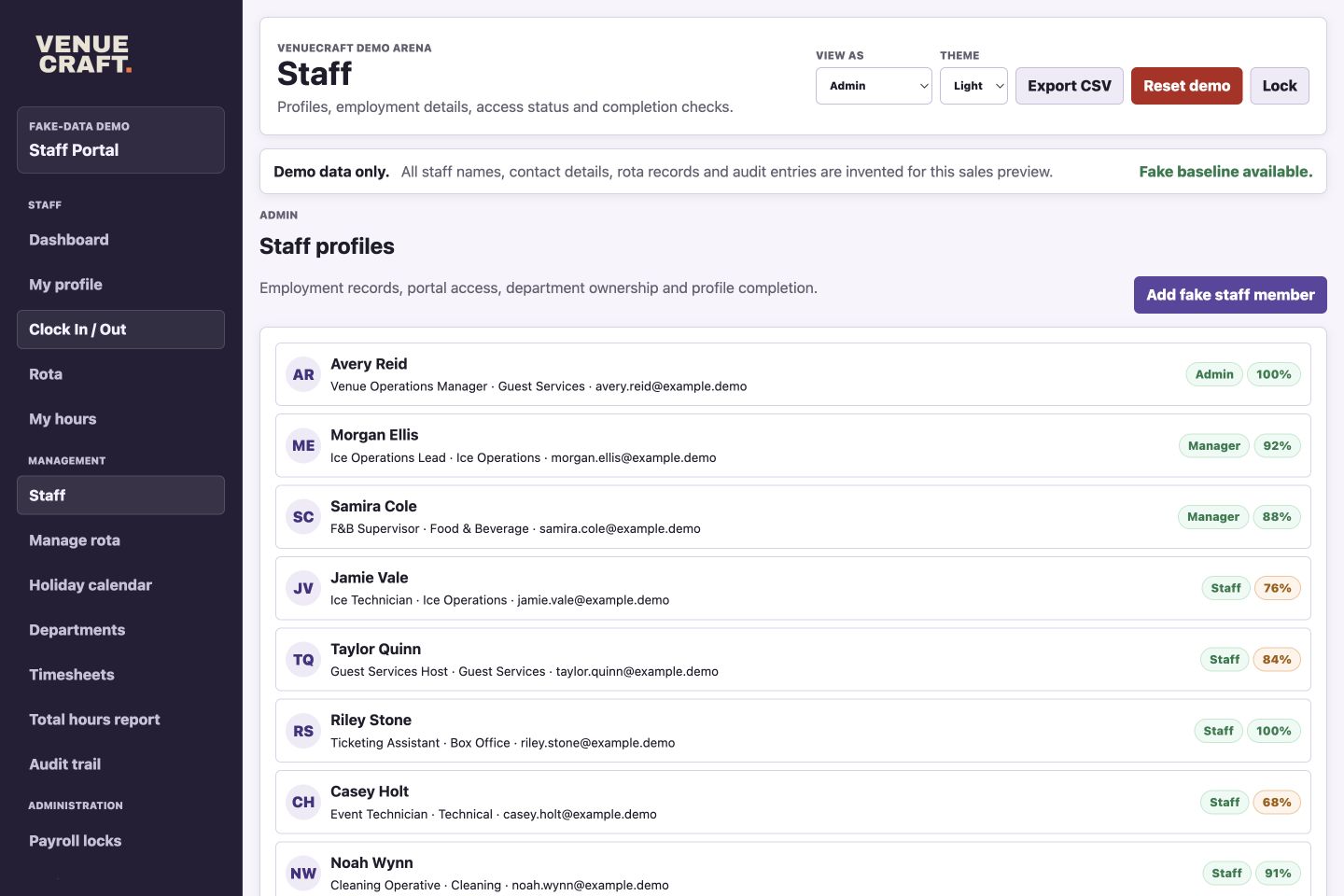
Staff Profiles
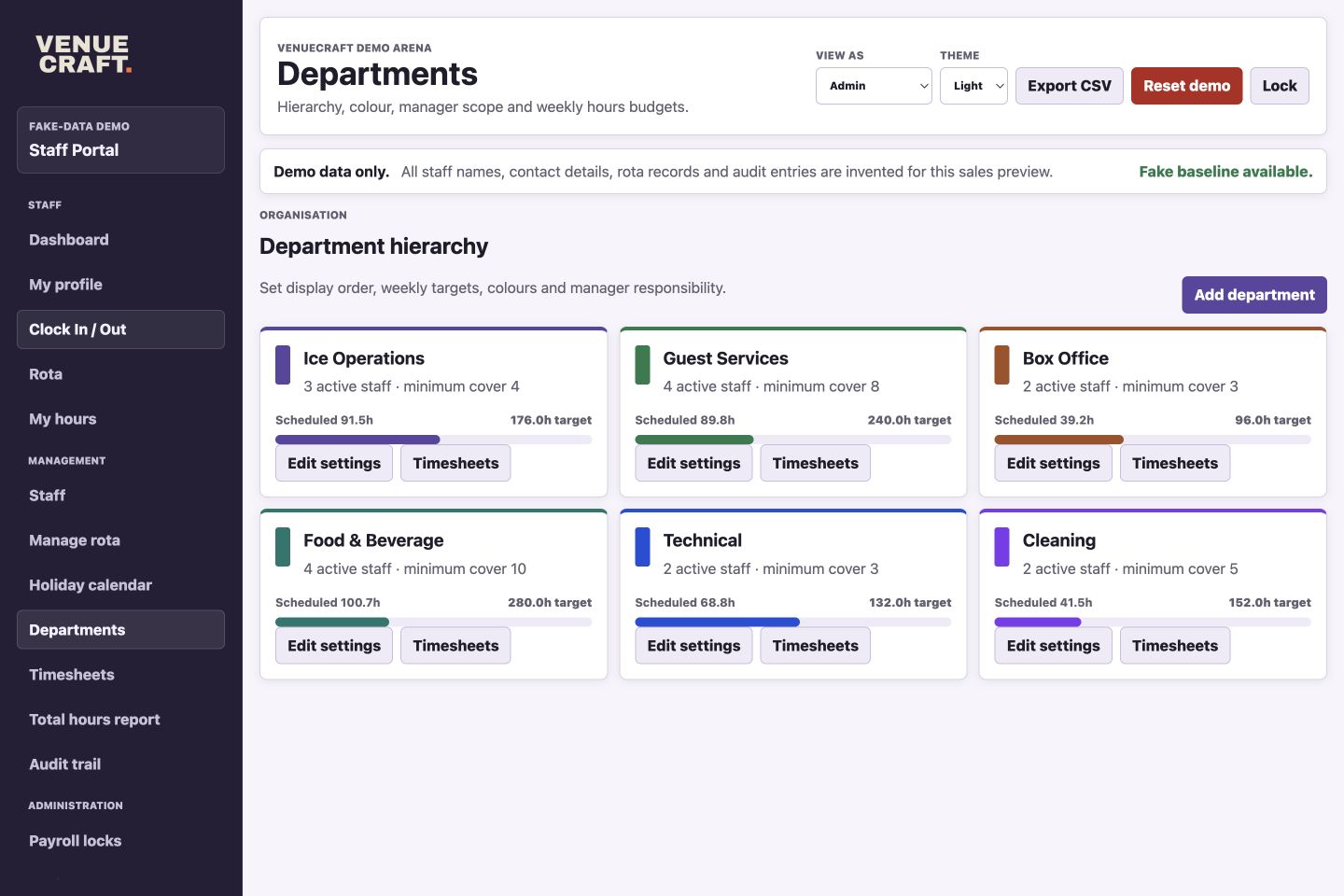
Departments
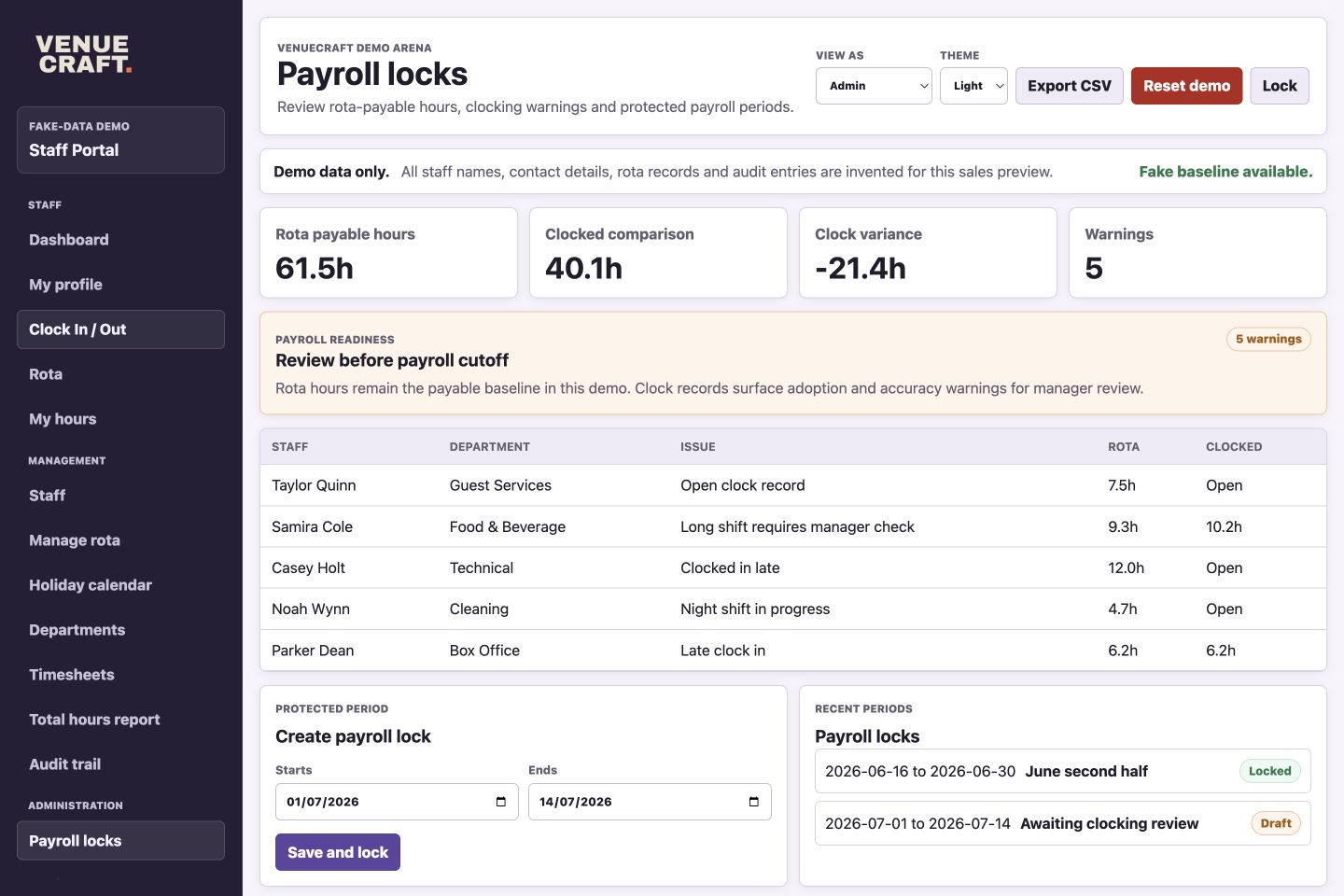
Payroll controls
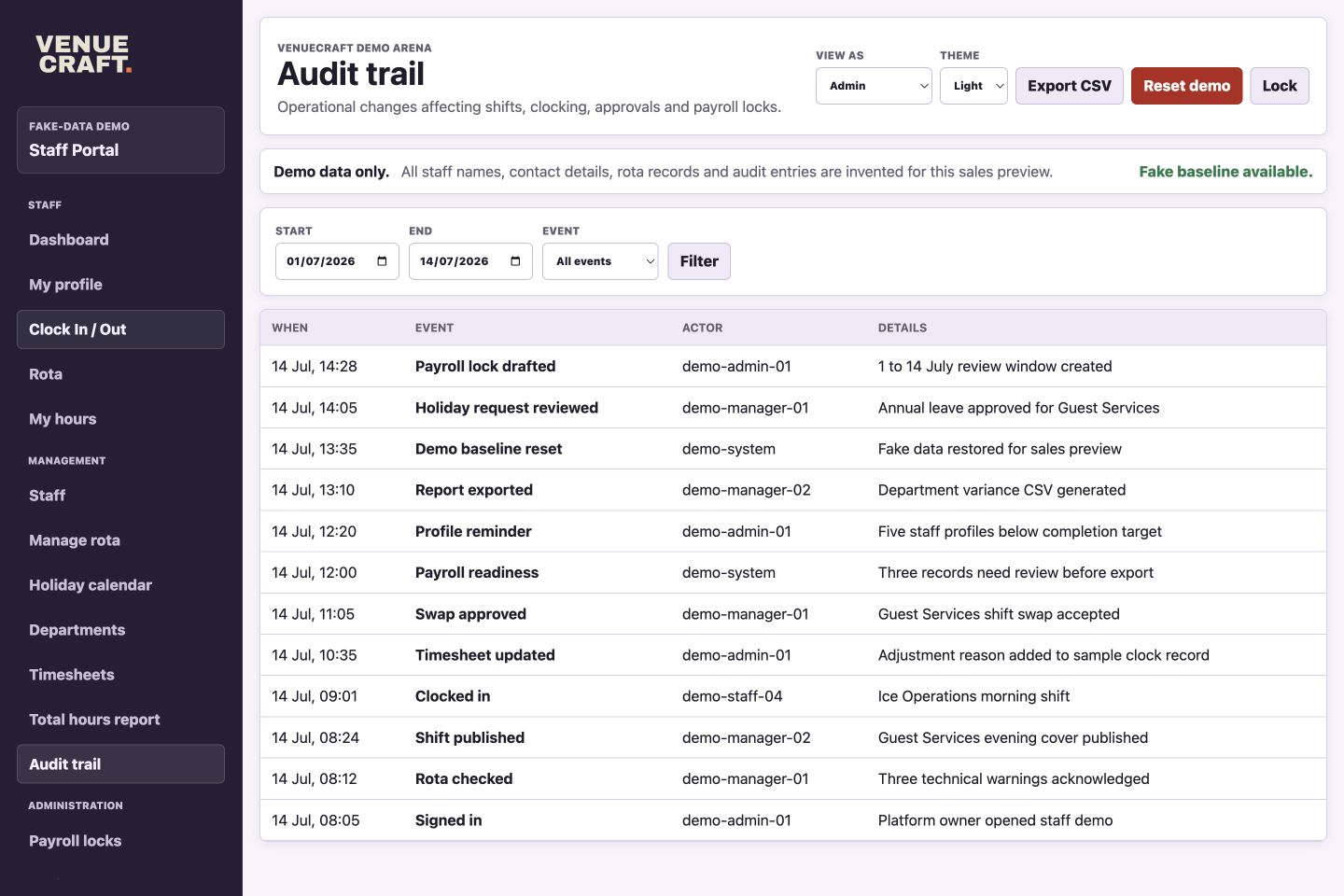
Audit trail
Commercial fit
The portal is designed for familiar venue staffing tasks: planning shifts, checking attendance, managing leave, approving time, controlling payroll periods and keeping staff records current.
Managers
Managers can see staffing cover, shift status, open records and review items without jumping between spreadsheets.
Staff
Staff can view shifts, hours, personal details and leave information without needing the full admin picture.
Payroll
Clock records, scheduled hours, actual hours and approval statuses sit together so issues can be caught earlier.
Demo mode
The public demo is isolated from live staff systems and can be reset back to an approved fake baseline.
Operational value
Keep published shifts, staff-facing rota views and changes visible in the same environment.
Use clocking and rota comparison to highlight missing clock-outs, variance and records needing review.
Give managers a structured place for department, role, status and profile-completion information.
Hosted preview
The preview uses invented staff, invented shifts, invented timesheets and invented audit activity. Credentials are shown only after clicking through, and the demo can be reset back to its fake baseline.